How To Connect Intrusion Detection To Smart Home Systems
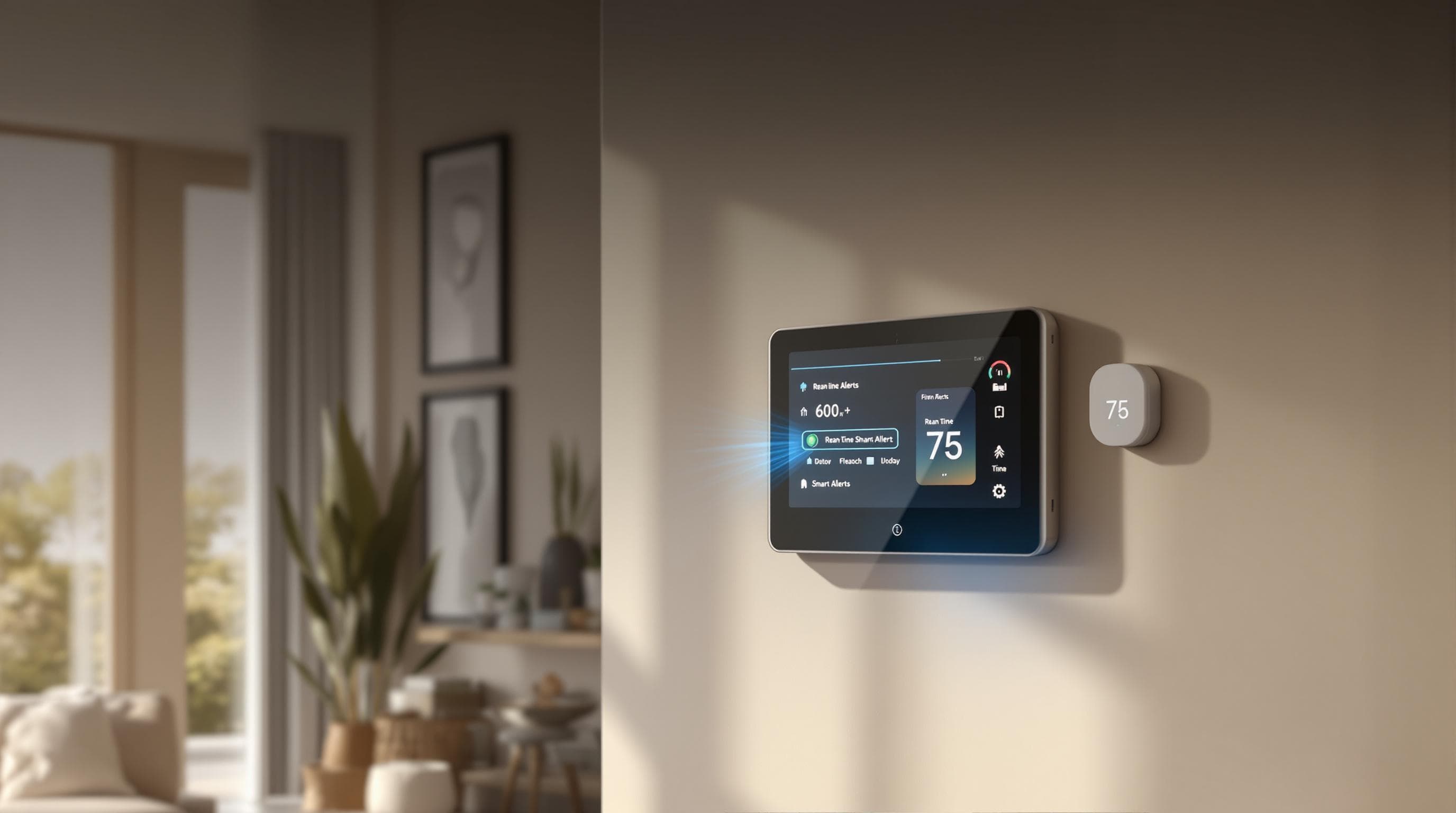
Learn how to integrate intrusion detection systems with smart home technology for enhanced security, efficiency, and real-time alerts.
How To Connect Intrusion Detection To Smart Home Systems
Want to secure your home smarter and faster? Here's how:
- Combine intrusion detection with smart home tech to protect your home 24/7.
- What you’ll need: Motion sensors, door/window sensors, security cameras, and a smart home hub.
- Key benefits:
- Automate lights and cameras when motion is detected.
- Get instant alerts on your phone for unusual activity.
- Manage everything in one app with AI reducing false alarms.
- Setup steps:
- Secure your system: Use strong passwords, enable two-factor authentication, and update firmware regularly.
With these steps, you’ll have a smart, secure, and reliable home system that’s easy to manage.
How To Integrate An Alarm System With Smart Home Devices ...
Common IDS Technologies
Modern intrusion detection systems use three main technologies to strengthen security in smart homes. Here's a breakdown of how they work and where to place them for the best results.
Motion Sensors
Motion sensors often rely on Passive Infrared (PIR) technology to detect changes in heat caused by movement. To maximize their effectiveness, install them in areas where intruders are most likely to pass through. Avoid placing them near direct sunlight, heating vents, or other sources of interference to minimize false alarms.
Door and Window Sensors
These sensors act as your home's first layer of protection by monitoring entry points. They typically have two parts: a magnetic switch and a magnet. When a door or window opens, the two components separate, triggering an alert. Install these sensors on doors and windows that are most accessible to potential intruders.
Security Cameras
Security cameras not only discourage intruders but also provide evidence if a break-in occurs. Look for cameras with features like high-resolution video, night vision, two-way audio, and customizable motion detection zones. Extras like weather resistance and secure cloud storage can add even more value. Place cameras at entryways, outdoor access points, and key indoor areas. Ensure they support smart home standards like Wi-Fi, Z-Wave, or Zigbee for smooth integration.
These technologies are the building blocks for connecting IDS devices to your smart home system.
4 Steps to Connect IDS to Smart Homes
Here’s how to integrate IDS components with your smart home system in a few straightforward steps.
1. Choose Devices That Work With Your Smart Home
Make sure the devices you pick are compatible with your smart home setup. They should support the same network protocol you’re using (like Wi-Fi, Z-Wave, or Zigbee).
Look for these key features:
- Mobile app control for easy management
- Voice assistant integration for hands-free operation
- Event notifications to stay informed
- Video storage options to keep recordings safe
2. Install Your Sensors
Placing your sensors correctly is crucial for effective security. Start by creating a floor plan and marking where each sensor should go:
- Motion sensors: Mount them at the recommended height, away from anything that might interfere with detection.
- Door sensors: Attach them on the side opposite the hinges.
- Window sensors: Place them where the window meets the sill.
- Cameras: Position them at entry points with angles that cover the area effectively.
Proper placement ensures everything works as it should.
3. Connect Devices to Your Smart Home Hub
Put your devices into pairing mode and link them to your hub using its app. Most devices can be synced with a button or QR code.
Set up basic automations, such as:
- Turning lights on when motion is detected
- Sending alerts when a door opens
- Recording video when sensors are triggered
- Activating sirens for specific events
Once everything’s connected, you can fine-tune the settings for each device.
4. Test and Adjust Settings
Fine-tuning is essential to avoid false alarms and ensure everything runs smoothly:
- Test each sensor’s detection range
- Adjust the sensitivity of motion sensors
- Set up notification thresholds that make sense for your needs
- Schedule automatic arming and disarming
- Use geofencing for mode changes based on your location
With these adjustments, your system will be ready to keep your home secure.
sbb-itb-17bacab
Setup Requirements
After connecting your devices, it's crucial to secure and protect your system with the right setup steps.
Security Standards
Want this maintenance done for you?
Brickwise builds personalized schedules from your home inspection report — free for 14 days.
Strong security measures are a must when combining intrusion detection systems with smart home technology. Start by securing your Wi-Fi with WPA3 encryption and enabling two-factor authentication for all connected devices and apps. Use unique, complex passwords for each device and hub.
Here are some key practices to follow:
- Network segmentation: Keep security devices on a separate network.
- Regular firmware updates: Ensure devices have the latest security fixes.
- End-to-end encryption: Safeguard data shared between devices.
- Access control: Set user permissions to manage who can access the system.
Backup Systems
In addition to security, reliable backup systems are critical for uninterrupted protection.
Power Backup:
- Use a UPS to keep devices powered for 4–8 hours during outages.
- Install battery-powered sensors with a lifespan of 12–24 months.
- Consider a whole-home generator for longer power outages.
Internet Backup:
- Set up a cellular connection as a backup for internet disruptions.
- Choose devices with local storage to maintain access to recordings.
- Install a backup Wi-Fi router with LTE support for added reliability.
Device Redundancy:
- Use overlapping motion sensors to cover blind spots.
- Place multiple cameras at key locations for comprehensive monitoring.
- Combine hardwired and wireless sensors for a more resilient system.
AI Security Features
AI is transforming home security by improving intrusion detection with advanced pattern recognition and smarter threat alerts. By analyzing data from multiple sensors, AI systems offer more effective threat detection and simplify home security management.
AI Threat Detection
AI-powered security systems do more than just react to motion. They use advanced pattern recognition to learn your household's habits, helping to distinguish between normal activity and potential risks. Key features include:
- Behavioral Analysis: Tracks movement patterns to spot unusual activity that could indicate a security issue.
- False Alarm Reduction: Filters out common triggers like pets or passing cars to avoid unnecessary alerts.
- Predictive Alerts: Warns you about potential risks before they become serious.
- Real-Time Learning: Continuously adapts to your home's typical activity patterns.
When paired with a home management platform, these features become even more effective.
Brickwise Home Management
Brickwise takes these AI security features to the next level by integrating them into a complete home management system:
- Digital Security Profile: Keeps warranties and maintenance records securely stored.
- AI-Driven Maintenance Schedules: Ensures your home systems stay in top shape.
- Inventory Tracking: Helps you keep tabs on household items.
The AI assistant also provides quick advice on system maintenance, repairs, and troubleshooting. As Brickwise puts it, "Simplify Homeownership with AI-Powered Maintenance."
Summary
Adding an IDS to your smart home is simple and secure. With careful planning, you can combine compatible devices, proper connections, and AI-driven features for an effective security system.
Key Takeaways
Choosing and Setting Up Devices
- Pick devices that work with your hub's protocol.
- Follow the manufacturer's instructions for placing sensors correctly.
Integration Steps
- Link sensors to your smart home hub.
- Configure automation rules and notifications.
- Test all connections to ensure everything works.
AI-Powered Features
- AI helps cut down on false alarms by learning your household's routines and improving threat detection.
- Pairing with platforms like Brickwise adds extra home management tools.
Ongoing Maintenance
- Regularly check the system, update firmware, and make adjustments to keep everything running smoothly.
A well-configured IDS boosts your home's security and streamlines management through automation and AI, ensuring seamless protection alongside your other smart devices.
Turn this checklist into a personalized maintenance plan
Brickwise turns your home inspection report into a custom maintenance schedule with due dates, cost estimates, and DIY-vs-pro recommendations. Free for 14 days, no credit card required.